- Stage 1: Model selection
- Stage 2: System design and integration
- Stage 3: Evaluation before launch
- Stage 4: Deployment
- Stage 5: Production monitoring
- Stage 6: Incident response
- The full AI feature lifecycle at a glance
- Final takeaway
Shipping an AI feature is very different from shipping traditional software.
With standard product features, behavior is usually deterministic: same input, same output. AI systems don’t work that way. They introduce probabilistic behavior, evolving performance, and new operational risks that continue long after launch.
That’s why building AI features requires thinking beyond model choice. The real work starts after that.
A complete AI feature lifecycle covers everything from selecting the right model to monitoring production behavior, handling failures, and responding when things go wrong.
The teams that treat AI as a full lifecycle — not just a launch event — usually build more stable products.
Stage 1: Model selection
Every AI feature starts with a simple question:
Which model should power this?
That decision shapes everything downstream: cost, latency, quality, security, and maintainability.
Choosing a model is not just about benchmark scores. In practice, teams also evaluate:
- inference speed
- token costs
- context window size
- tool-use capabilities
- fine-tuning support
- privacy and compliance requirements
A model that performs best in a benchmark may be the wrong choice for production if it’s too expensive or too slow.
What teams evaluate during model selection
| Factor | Why it matters |
| Accuracy | Core task quality |
| Latency | User experience |
| Cost | Production scalability |
| Context window | Complex task handling |
| Reliability | Consistency across inputs |
| Security | Data protection and compliance |
This stage is often underestimated, but bad model choices create long-term technical debt.
Stage 2: System design and integration
Once the model is selected, the next step is building the actual product around it.
This usually includes:
- prompt architecture
- retrieval systems (RAG)
- tool integrations
- memory systems
- guardrails and policy layers
At this point, the model becomes part of a larger system.
That matters because most failures in AI products don’t come from the model alone — they come from how the model interacts with everything around it.
A good system design limits blast radius and improves observability.
Stage 3: Evaluation before launch
Before deployment, teams need to answer:
Does this feature actually work under real-world conditions?
Evaluation here goes far beyond simple test prompts.
Strong AI evaluation often includes:
- benchmark testing
- adversarial prompts
- edge case simulations
- human review loops
- hallucination measurement
- latency and cost profiling
Pre-launch evaluation areas
| Evaluation type | Purpose |
| Accuracy tests | Validate task performance |
| Stress testing | Test system limits |
| Red teaming | Simulate malicious inputs |
| Cost testing | Estimate scale economics |
| Safety evaluation | Detect harmful outputs |
Skipping this stage usually creates production surprises.
Stage 4: Deployment
Deployment is where the AI feature becomes a live product.
Unlike traditional releases, AI deployments often need additional controls:
- canary releases
- traffic shaping
- fallback models
- rate limiting
- rollback strategies
This is important because AI systems can fail in ways that are hard to predict.
A model may perform well in staging but behave differently with real user inputs.
That gap between testing and reality is where many incidents begin.
Stage 5: Production monitoring
This is where the lifecycle becomes continuous.
Once live, AI features need constant monitoring for:
- output quality degradation
- model drift
- abnormal cost spikes
- latency regressions
- unsafe completions
- prompt injection attempts
Traditional observability is not enough here.
AI observability must include behavioral signals, not just infrastructure metrics.
What to monitor in production
| Signal | Why it matters |
| Latency | User experience health |
| Error rate | Reliability issues |
| Cost per request | Budget stability |
| Safety violations | Policy enforcement |
| Drift signals | Performance changes over time |
| User feedback | Real-world quality signal |
The faster teams detect changes, the easier they are to fix.
Stage 6: Incident response
No AI system stays perfect forever.
Failures happen:
- hallucinations
- data leaks
- bad tool execution
- retrieval corruption
- prompt injection
- model regressions
This is why incident response is part of the lifecycle, not an optional layer.
A mature AI incident workflow usually looks like:
- Detect abnormal behavior
- Contain the issue
- Investigate root cause
- Roll back or patch
- Update safeguards
- Document lessons learned
This structure closely mirrors broader incident lifecycle practices in software reliability and AI governance.
The full AI feature lifecycle at a glance
| Stage | Main goal |
| Model selection | Choose the right foundation |
| System design | Build surrounding infrastructure |
| Evaluation | Validate performance and safety |
| Deployment | Launch safely |
| Monitoring | Observe real-world behavior |
| Incident response | Recover and improve |
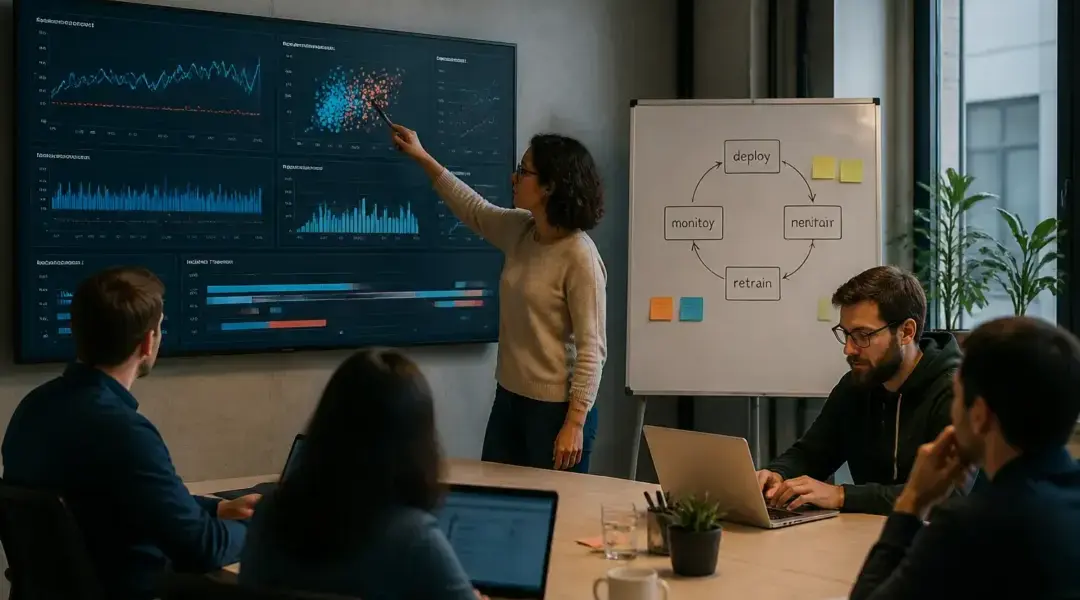
The important thing is that this loop is iterative.
Teams constantly move back and forth between these stages.
Final takeaway
AI features are not static products. They are living systems.
The biggest mistake teams make is treating launch as the finish line.
In reality:
- model selection sets the foundation
- evaluation reduces uncertainty
- monitoring keeps quality stable
- incident response keeps risk manageable
The strongest AI teams understand one thing clearly: shipping the feature is just the start of the lifecycle.