How to Install WIN.AI as a PWA on Linux
By Win.AI Editorial
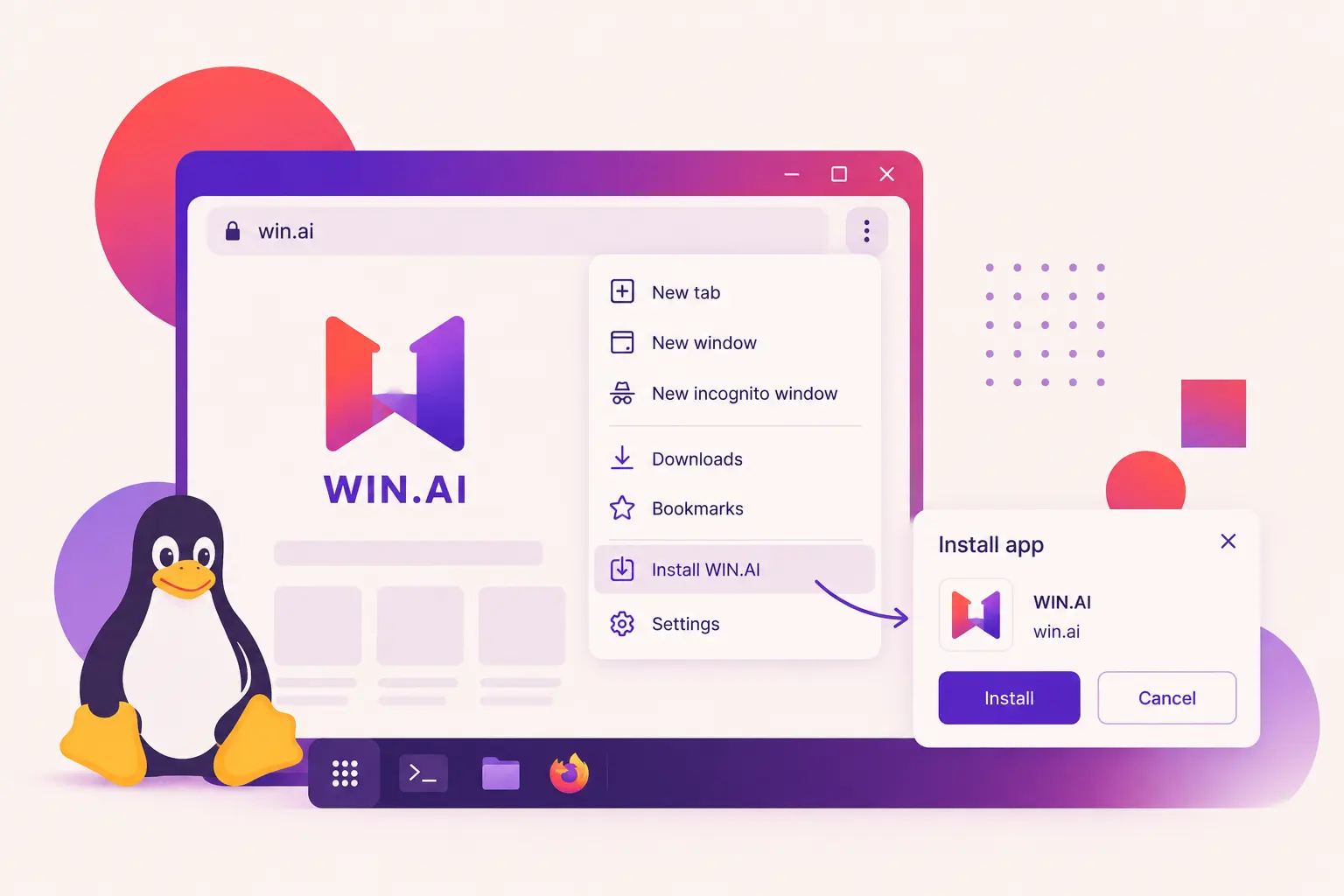 Installing WIN.AI as a Progressive Web App (PWA) allows you to use the platform like a native desktop application without installing traditional software packages.
Method 1: Install Using Google Chrome (Recommended)
- Open Google Chrome on your Linux computer.
- Visit https://win.ai.
- Wait for the website to fully load.
- Click the Install icon on the right side of the address bar (if available).
- If the icon isn't visible, click the three-dot menu (⋮) in the upper-right corner.
- Select Cast, save and share → Install WIN.AI (the wording may vary depending on your Chrome version).
- Click Install to confirm.
That's it! 🎉
The WIN.AI application will open in its own window and can be launched directly from your desktop environment's application launcher.
Method 2: Install Using Microsoft Edge
- Open Microsoft Edge on your Linux computer.
- Visit https://win.ai.
- Wait until the website has fully loaded.
- Click the three-dot menu (...) in the upper-right corner.
- Select Apps → Install this site as an app.
- Click Install.
WIN.AI will be added to your applications menu and can be pinned to your dock or launcher (depending on your Linux desktop environment).
Benefits of Installing WIN.AI
- ⚡ Faster startup and improved performance
- 🖥️ Opens in its own dedicated application window
- 📂 Quick access from your applications menu or dock
- 🔄 Automatic updates without manual downloads
- 💾 Lightweight and uses minimal disk space
Troubleshooting
I don't see the Install option
Try the following:
- Make sure you're using the latest version of Google Chrome or Microsoft Edge.
- Refresh the page and wait a few seconds.
- Ensure JavaScript is enabled.
- Verify you're visiting the official website: https://win.ai.
Which browsers support PWA installation?
WIN.AI can be installed from most Chromium-based browsers, including:
- Google Chrome
- Microsoft Edge
- Brave
- Opera
- Vivaldi
Will the app update automatically?
Yes. The PWA automatically checks for updates whenever you launch or refresh the application.
Which Linux distributions are supported?
PWA support depends on your browser rather than your Linux distribution. WIN.AI works on most modern Linux distributions, including:
- Ubuntu
- Debian
- Fedora
- Linux Mint
- Pop!_OS
- Arch Linux
- openSUSE
- Manjaro
Tip: For the best experience, we recommend installing WIN.AI using the latest version of Google Chrome or Microsoft Edge on Linux.